
.jpg "IC698CPE010(2)")
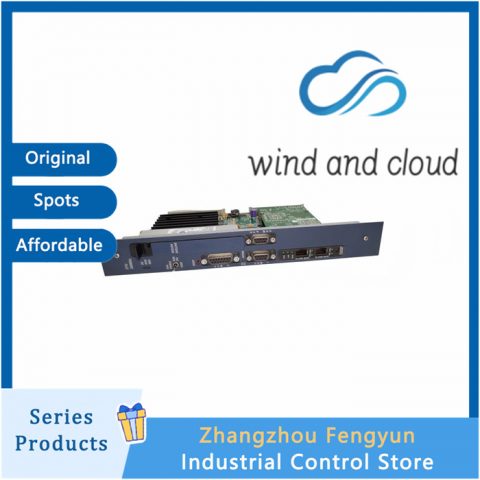
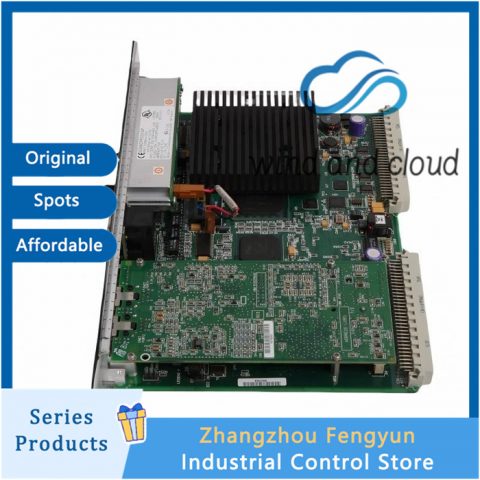
All products on this website are discounted products, and market prices have been fluctuating. Please refer to customer service quotes for details. Pictures are not actual photos. Before placing an order, please confirm the model, product, price, and other detailed information with customer service. Both second-hand and brand new products are available for sale on this website. Please contact customer service for further communication.
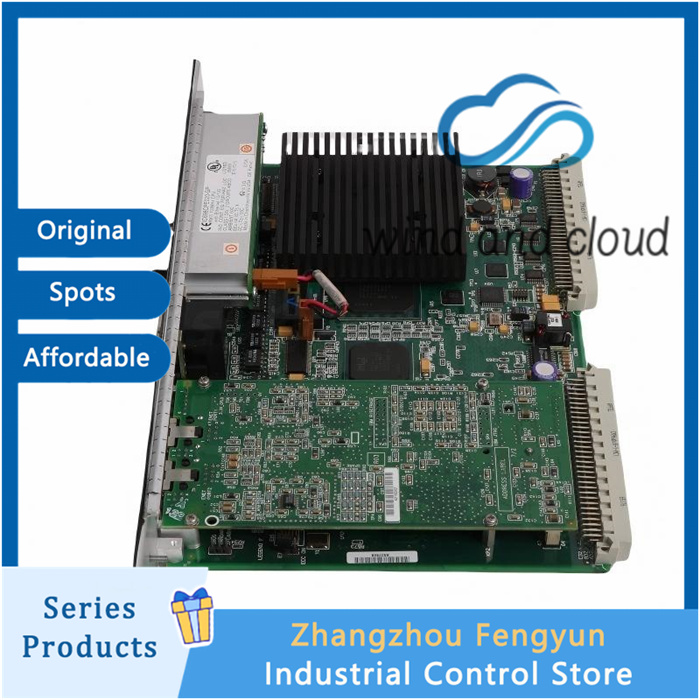
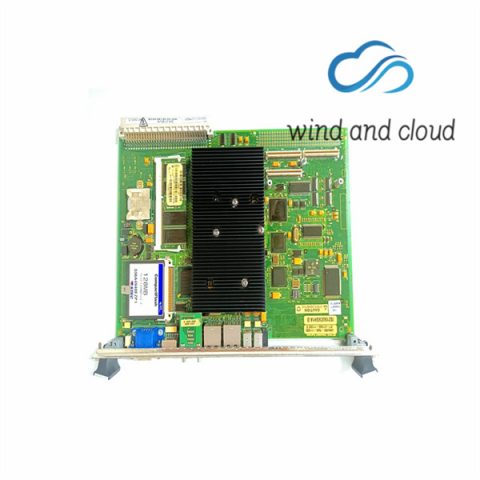
GE IC698CPE020-CC|VME64 Single Slot CPU Module|
The application program in the CPU executes repeatedly until stopped by a command from the programmer, from another device, from the RUN/STOP Switch on the CPU module, or a fatal fault occurs. In addition to executing the application program, the CPU obtains data from input devices, sends data to output devices, performs internal housekeeping, performs communications tasks, and performs self‑tests. This sequence of operations is called the sweep.
The CPU sweep runs in one of three sweep modes:
Normal Sweep
In this mode, each sweep can consume a variable amount of time. The Logic Window is executed in its entirety each sweep. The Communications and Background Windows can be set to execute in Limited or Run‑to‑Completion mode.
Constant Sweep
In this mode, each sweep begins at a user‑specified Constant Sweep time after the previous sweep began. The Logic Window is executed in its entirety each sweep. If there is sufficient time at the end of the sweep, the CPU alternates among the Communications and Background Windows, allowing them to execute until it is time for the next sweep to begin.
Constant Window
In this mode, each sweep can consume a variable amount of time. The Logic Window is executed in its entirety each sweep. The CPU alternates among the Communications and Background Windows, allowing them to execute for a time equal to the user‑specified Constant Window timer.
Note: The information presented above summarizes the different sweep modes. For additional information, refer to CPU Sweep Modes.
The CPU also operates in one of four RUN/STOP Modes (for details, refer to Run/Stop Operations):
- Run/Outputs Enabled
- Run/Outputs Disabled
- Stop/IO Scan
- Stop/No IO
In Constant Sweep mode, each sweep begins at a specified Constant Sweep time after the previous sweep began. The Logic Window is executed in its entirety each sweep. If there is sufficient time at the end of the sweep, the CPU alternates among the Controller Communications, Backplane Communications, and Background Windows, allowing them to execute until it is time for the next sweep to begin. Some or all of the Communications and Background Windows may not be executed. The Communications and Background Windows terminate when the overall CPU sweep time has reached the value specified as the Constant Sweep time.
One reason for using Constant Sweep mode is to ensure that I/O data are updated at constant intervals.
The value of the Constant Sweep timer can be configured to be any value from 5 to 2550 ms. The Constant Sweep timer value may also be set and Constant Sweep mode may be enabled or disabled by the programming software or by the user program using Service Request function #1. The Constant Sweep timer has no default value; a timer value must be set prior to or at the same time Constant Sweep mode is enabled.
The Ethernet Global Data page, configured for either consumption or production, can add up to 1 ms to the sweep time. This sweep impact should be considered when configuring the CPU constant sweep mode and setting the CPU watchdog timeout.
If the sweep exceeds the Constant Sweep time in a given sweep, the CPU places an oversweep alarm in the CPU fault table and sets the OV_SWP (%SA0002) status reference at the beginning of the next sweep. Additional sweep time due to an oversweep condition in a given sweep does not affect the time given to the next sweep.
The following figure illustrates four successive sweeps in Constant Sweep mode with a Constant Sweep time of 100 ms. Note that the total sweep time is constant, but an oversweep may occur due to the Logic Window taking longer than normal.
GE IC698CPE020-CC|VME64 Single Slot CPU Module|
Hot selling models
GE BRAND
| 369-HI-0-M-0-0-0-E | DS200ACNAG1ADD | 531X303MCPBDG1 |
| 369-HI-0-M-0-E-0 | DS200ADGIH1AAA | 531X304IBDAMG1 |
| 369-HI-0-M-F-E-0 | DS200ADPBG1ABB | 531X304IBDARG1 |
| 369-HI-R-0-0-0-0-E | DS200DCFBG1BGB | 531X304IBDASG1 |
| 369-HI-R-0-0-0-0-E | DS200DCFBG1BLC | 531X305NTBAJG1 |
| 369-HI-R-M-F-E-H-E | DS200DCFBG2BNC | 531X305NTBANG1 |
| 369B1844G5004 | DS200DMCBG1AED | 531X307LTBAHG1 |
| 369B1859G0021 | DS200DMCBG1AKG | 531X307LTBAJG1 |
| 369B1859G0022 | DS200DPCBG1AAA | 531X307LTBAKG1 |
| 369B1860G0028 | DS200DSPCH1ADA | 531X309SPCAJG1 |
| 369B1860G0030 | DS200FGPAG1AHD | 531X305NTBANG1 |
Recommended other models:
IC698CPE010-JU|VME‑Based CPU Module|
IC698CPE010|VME‑Based CPU Module|
IC698CHS117C|17‑Slot Front‑Mount Chassis|
IC698CHS017B|17‑Slot Rear‑Mount Rack|
IC698CHS009A|9‑Slot Rear‑Mount Rack|
IC698CHS009|9‑Slot Rear‑Mount Rack|
IC697VDD100|Digital Input Module|
IC697PWR748|Series 90-70 Power Supply Module|
IC697PWR724|Power Supply Module|
IC697PWR720|Power Supply Module|
IC697PWR710H|Power Supply Module|

✅ ABB
PP846 HMI Touch Screen, 5SHY Series IGCT, PM Series Controllers, AI/DO I/O Modules, SP Series Bailey Modules
✅ GE
VMIC, IS200 & IS215 Series CPU and Modules
✅ Emerson
Control Modules, EPRO Probes
✅ Westinghouse
1C Series Modules
✅ Honeywell
CC Series Modules
✅ Schneider
140 Series Modules
✅ Triconex
Full Series Safety Instrumented System Modules
✅ Bently
3500 Series Vibration Monitoring System
✅ Rexroth
Industrial Motors & Drives
✅ Foxboro
Compact Control Modules
There are no reviews yet.